
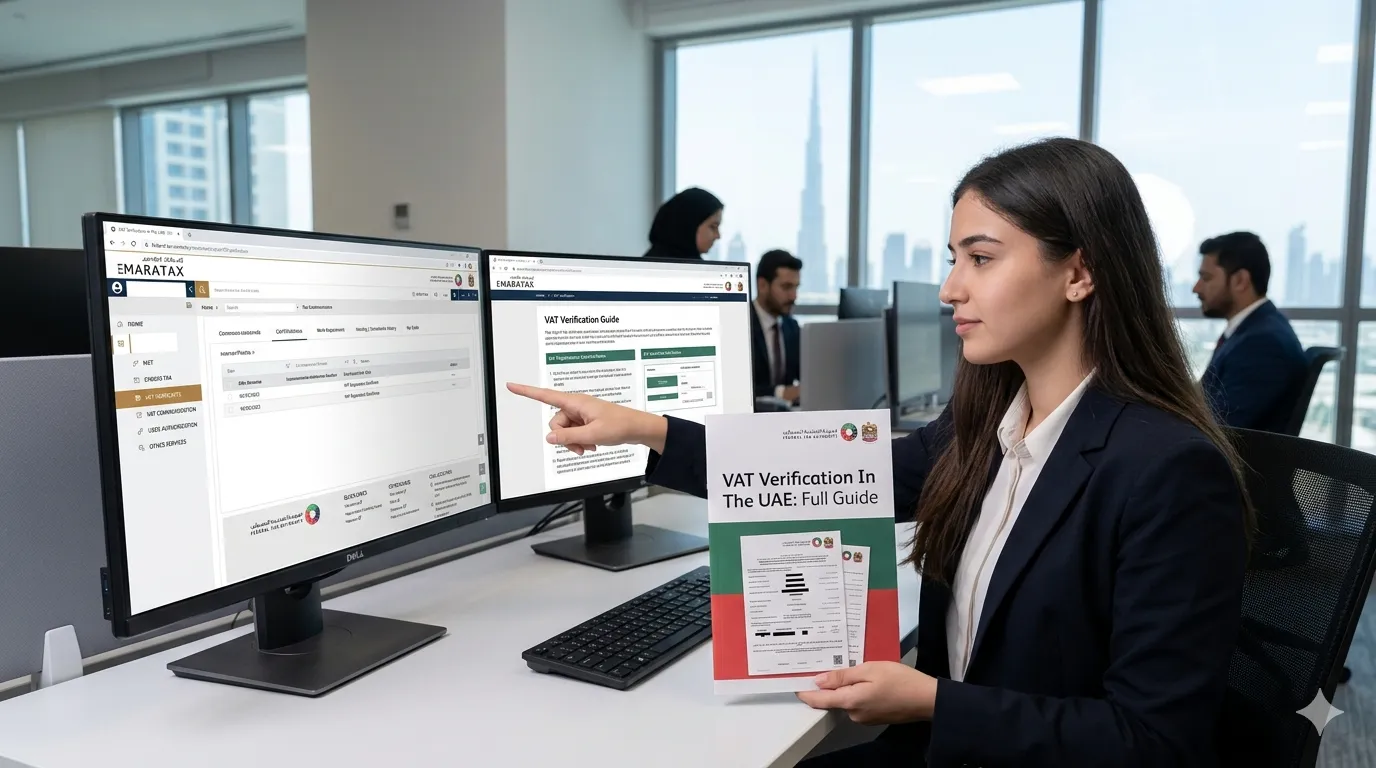
VAT Verification In The UAE (Full Guide) 2026: How to Check VAT Registration Status Online
Legal documentation is a process that many people try to bypass. Some businesses like to take shortcuts and rely on illegal ways to get ahead of their competitors. One of those illegal ways is escaping taxes. These taxes ensure that money is paid back to the government in exchange for all the facilities provided for a business to start. These taxes are often measured in percentages.
Large businesses have to pay more significant taxes, which is why some of them might attempt to tamper with the legitimacy of their VAT numbers to escape such tax payments. In this comprehensive guide, we will show you the best method for VAT verification in the UAE – a critical process for maintaining fair competition and ensuring compliance with Federal Tax Authority (FTA) regulations.
For more helpful guides on taxation, business compliance, and living in the UAE, visit our main website: https://www.khaleej2uae.com/. Now, let’s dive into everything you need to know about VAT verification in the UAE.
What Is VAT in the UAE?
Value Added Tax (VAT) in the UAE is an extra payment on the consumption or purchase of various goods and services. It was introduced recently in 2018 to reduce the country’s reliance on oil and improve the country’s revenue using other methods. The standard VAT rate in the UAE is 5% on most goods and services, with some exceptions (e.g., healthcare, education, certain financial services).
All businesses in the UAE must register their companies for VAT if their taxable supplies exceed the mandatory registration threshold (currently AED 375,000 per year). They must also follow all the necessary rules and regulations. Needless to say, a key aspect of VAT compliance is verifying the validity of the VAT registration number of your business partners, suppliers, and even competitors.
Why Is VAT Verification Important?
Fair competition is a goal that any government would do its best to apply, and the UAE is no different. Taxes will undoubtedly put some drag on the economy of a business, so it is common for some businesses to try to avoid it.
VAT verification allows businesses to check the legitimacy of each other. There will be far fewer chances of fraud when every business has its cards laid out in the open. Businesses should always make use of the FTA’s knowledge portal to ensure that everyone is operating within the law in the UAE market.
If any business fails to register for VAT or gets caught bending the rules and regulations, it should expect severe penalization. These penalties could be anything from bearable fines to stern legal actions and, sometimes, business termination.
How to Perform VAT Verification in UAE – Step by Step
Here is the best method for VAT verification in the UAE using the official Federal Tax Authority (FTA) online portal. Follow these steps carefully.
Step 1: Obtain the VAT Registration Number
Before verifying a business’s VAT, you need to obtain its VAT registration number first. This is not a phone number you can quickly browse online and find. It is a unique identifying serial number for each registered business, typically formatted as a 15-digit number (e.g., 100123456789123).
You can obtain that VAT number using several methods:
- Check the company’s documents like invoices, receipts, credit notes, and tax invoices. All FTA-registered businesses must display their VAT registration number on every tax invoice.
- Search the FTA database directly (if you have access as a registered business).
- Contact the company or its accountant if you are eligible to request the VAT number (e.g., as a customer or supplier).
- Try online databases like Lusha, Zoominfo, or the UAE business directory – though these are less reliable.
Step 2: Use the FTA Online Portal
Once you have obtained the required VAT number, you need to use the FTA’s official website. Here is how:
Go to the Federal Tax Authority (FTA) official website at https://www.tax.gov.ae.
Sign in using your business credentials (username and password). You must have a registered business account with the FTA. Note: The FTA only allows businesses to check the VAT registration status of others. You will not be able to do that if you do not own an already verified business.
After signing in, navigate to the “Services” tab, then select “E-services” and then “Tax Registration” or “VAT Verification”.
You will be asked to enter the VAT number in the appropriate field. Carefully enter the number and complete the “are you a human?” prompt if it shows up.
Step 3: Check the Registration Status
At this point, you should know whether the number you entered is valid. If the VAT registration number is indeed legitimate, the screen will display:
- The name of the business
- The date of registration
- The current registered address
However, if the registration number is not valid, the portal will show you an error message that says: “The registration number is not recognized.”
⚠️ Important: This does not always mean that the business is fraudulent. You could have made a mistake. Ensure you have entered the correct number, as an incorrect VAT number will also display the same message.
Step 4: Verify Additional Details
You can view some extra details if the registration number is valid. Simply click on the “View Details” button on the portal. It will show you a summary of the business’s information. This information includes but is not limited to:
- Registration information (tax registration certificate status)
- Certificates (e.g., tax registration certificate)
- Tax periods (filing frequency and due dates)
- Registered address and contact details
This completes the VAT verification in the UAE process.
What to Do If the VAT Number Is Not Recognized
If the FTA portal shows “The registration number is not recognized,” follow these steps:
Double-check the number: Re-enter the VAT number carefully. A single digit error will cause a failure.
Request the number again: Ask the business to provide their official VAT registration certificate or a recent tax invoice.
Contact the FTA: If you believe the business should be registered, call the FTA helpline at 600 599 994 or email info@tax.gov.ae.
Consider reporting: If you suspect a business is deliberately avoiding VAT registration, you can report them to the FTA through their whistleblower service.
Penalties for Non-Compliance with VAT Regulations
The FTA imposes strict penalties for VAT non-compliance. These include:
| Violation | Penalty |
|---|---|
| Failure to register for VAT when required | AED 20,000 |
| Failure to submit VAT return on time | AED 1,000 for the first offense + AED 2,000 for repeat offenses within 24 months |
| Late payment of VAT | 2% of unpaid tax immediately, plus 4% after 7 days, plus 1% per day after 1 month (capped at 300%) |
| Issuing tax invoices without a valid VAT registration number | AED 15,000 |
| Failure to keep required records and documents | AED 10,000 per violation |
These penalties underscore why VAT verification is essential for both buyers and sellers.
Frequently Asked Questions (FAQs)
Q1: Can I perform VAT verification in UAE without owning a business?
No. The FTA online portal requires a registered business account to access the VAT verification service. Individuals cannot check a business’s VAT registration number directly. However, you can ask the business to provide their VAT certificate or check their tax invoices.
Q2: Is there a fee for VAT verification?
No. Using the FTA portal for VAT verification is free for registered businesses.
Q3: How can I get my own VAT registration number?
You must register for VAT through the FTA portal. Once your application is approved, you will receive a VAT registration certificate containing your unique 15-digit VAT number.
Q4: What does a valid VAT registration number look like?
It is a 15-digit number starting with “100” for most businesses. Example: 100123456789123.
Q5: Can I verify a VAT number without logging into the FTA portal?
No. The FTA does not offer a public-facing search tool. Only registered businesses can access the VAT verification service.
Q6: Why would a business have an invalid VAT number?
Possible reasons include: the number was entered incorrectly, the business failed to renew its registration, the business was deregistered by the FTA, or the business never registered for VAT in the first place.
Q7: How often should I verify a supplier’s VAT registration?
It is good practice to verify your key suppliers at least once a year, or whenever you receive a new tax invoice from them. This ensures you are dealing with a compliant business.
The Bottom Line
VAT verification in the UAE is essential for businesses to keep an eye on each other and ensure the fairest possible competition. To verify the VAT registration number of a business, you first need to obtain its VAT number. You can find it in the business’s invoices, receipts, and legal documents.
Once you have the number, sign in with your business credentials through the FTA portal’s official website, then navigate to the tax registration tab. From there, you can verify the status of the business’s VAT registration, as well as certifications and tax periods.
Remember: VAT verification protects your business from fraud, ensures compliance with UAE tax laws, and helps maintain a level playing field. Always verify before entering into significant contracts or making large payments.
For more business guides, tax compliance tips, and practical advice on operating in the UAE, bookmark https://www.khaleej2uae.com/ and check back regularly.
Verify before you trust. Use the FTA portal and stay compliant.
Disclaimer: This article is for informational purposes only. VAT laws, thresholds, and penalties are subject to change by the Federal Tax Authority. Always refer to the official FTA website (www.tax.gov.ae) or consult a qualified tax advisor for the most current information.









