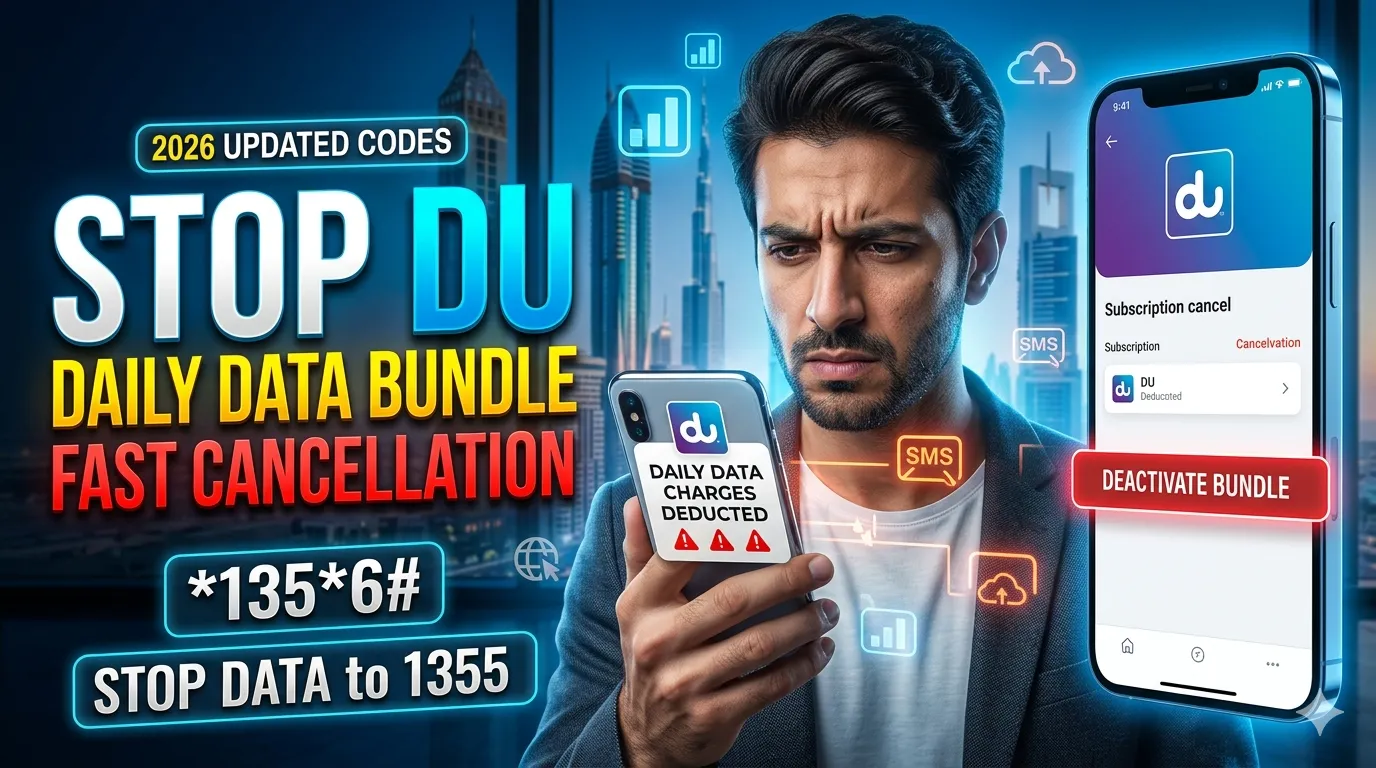
Stop DU Daily Data Bundle – Codes & Fast Cancellation
If you are tired of unwanted DU internet charges and want to stop your daily data bundle quickly, this complete guide will help you. Many DU users accidentally activate daily internet packages that renew automatically and deduct balance every day. Luckily, DU provides several easy methods to deactivate these bundles instantly.
In this updated 2026 guide, you will learn how to stop DU daily data bundle using SMS, USSD codes, the DU app, and customer support. Whether you use prepaid or postpaid services, these methods can help you avoid extra charges and control your mobile expenses.
What Is DU Daily Data Bundle?
DU daily data bundles are short-term internet packages that provide limited MBs or data usage for one day. These packages are useful for temporary browsing, social media, or quick internet access.
However, many users forget to cancel these bundles, which leads to automatic deductions from their balance every day.
Why You May Want to Stop DU Daily Data Bundle
There are several reasons why users deactivate DU daily data packages:
- Avoid unnecessary balance deductions
- Switch to a monthly internet plan
- Reduce mobile expenses
- Traveling outside UAE
- No longer using mobile internet frequently
- Prevent auto-renewal charges
Fast Methods to Stop DU Daily Data Bundle
Here are the latest and easiest methods to deactivate DU daily internet packages instantly.
Method 1: Stop DU Daily Data Bundle Using USSD Code
This is the quickest method for most users.
Steps
| Action | Details |
|---|---|
| Open Dial Pad | Use your DU mobile phone |
| Dial Code | 1356# |
| Follow Menu | Select active data bundle |
| Choose Deactivate | Confirm cancellation |
This method works for most daily internet offers including:
- Daily Data 2 AED
- Daily Data 3 AED
- Daily Data 4 AED
- Social Data Bundles
Popular DU Deactivation Codes
| DU Bundle | Deactivation Method |
|---|---|
| DU Daily Data | Dial 1356# |
| 100MB Daily Bundle | Select deactivate from menu |
| 150MB Daily Bundle | Select deactivate from menu |
| Auto Renewal Data | Cancel from subscription menu |
Method 2: Stop DU Daily Data Bundle via SMS
If you prefer SMS, DU allows multiple cancellation keywords.
SMS Codes to Stop DU Daily Data
| SMS Text | Send To | Purpose |
|---|---|---|
| STOP DATA | 1355 | Stop general data offers |
| CDP2 | 1012 | Cancel selected daily bundles |
| QUITDO | 5050 | Deactivate promotional offers |
Important Tip
After sending the SMS, wait for a confirmation message from DU. The SMS will confirm whether your bundle has been successfully canceled.
Method 3: Cancel DU Data Bundle Through DU App
The official DU app provides full control over your subscriptions.
Steps to Deactivate Using DU App
1. Open the DU App
Download and open the My DU App on Android or iPhone.

2. Login to Your Account
Use your DU number and OTP verification.
3. Go to “Subscriptions”
Navigate to the active services section.
4. Find Your Active Bundle
Locate the daily internet package currently active on your number.
5. Tap “Deactivate”
Confirm the cancellation request.
This method is ideal for users who want to monitor all active DU services in one place.
Method 4: Contact DU Customer Service
If the above methods do not work, contact DU support directly.
DU Customer Care Numbers
| Service | Contact |
|---|---|
| DU Customer Support UAE | 155 |
| International Support | +971 4 390 5555 |
| Website | https://www.du.ae |
Other Support Options
- Live Chat on DU Website
- Twitter Support
- Facebook Messenger
- DU Branch Visit
Informational Table: Best Ways to Stop DU Daily Data Bundle
| Method | Speed | Difficulty | Best For |
|---|---|---|---|
| USSD Code | Very Fast | Easy | Quick cancellation |
| SMS | Fast | Very Easy | Simple phones |
| DU App | Medium | Easy | Managing subscriptions |
| Customer Support | Medium | Moderate | Unknown active bundles |
How to Check If Your DU Bundle Is Cancelled
After cancellation, verify that the package is inactive.
Ways to Confirm
- Check SMS confirmation
- Open DU app subscriptions
- Monitor balance deductions
- Dial *135# for active services
If your balance continues deducting, contact DU support immediately.
Common Problems While Cancelling DU Bundles
Bundle Still Active
Sometimes the system takes a few minutes to process the cancellation.
Solution
- Restart your phone
- Wait for confirmation SMS
- Contact customer support if deductions continue
Wrong Bundle Cancelled
Always carefully check the package name before confirming deactivation.
SMS Not Working
Network issues may delay processing.
Solution
Use the DU app or USSD method instead.
Tips to Avoid Extra DU Data Charges
Monitor Data Usage
Regularly check your internet usage using the DU app.
Disable Auto Renewal
Always disable auto-renewal when activating temporary packages.
Choose Monthly Plans
Monthly bundles are often cheaper than daily plans.
Read Subscription Terms
Always review renewal conditions before activation.
Benefits of Cancelling DU Daily Data Bundle
| Benefit | Description |
|---|---|
| Save Money | Avoid daily balance deductions |
| Better Budget Control | Manage mobile expenses easily |
| Flexible Internet Usage | Activate bundles only when needed |
| Prevent Auto Renewals | Stop unwanted subscriptions |
Frequently Asked Questions
How do I stop DU daily data bundle instantly?
Dial 1356# and select deactivate.
Can I cancel DU data bundle by SMS?
Yes, send STOP DATA to 1355.
Is there any cancellation fee?
No, DU does not charge for deactivating data bundles.
How do I know if my bundle is canceled?
You will receive a confirmation SMS from DU.
Final Words
Stopping a DU daily data bundle is simple and only takes a few minutes. Whether you choose SMS, USSD codes, the DU app, or customer service, DU offers multiple ways to deactivate unwanted internet packages quickly.
If you frequently experience unwanted balance deductions, it is recommended to regularly check your active subscriptions and disable auto-renewal services. This helps you save money and maintain better control over your mobile usage.