
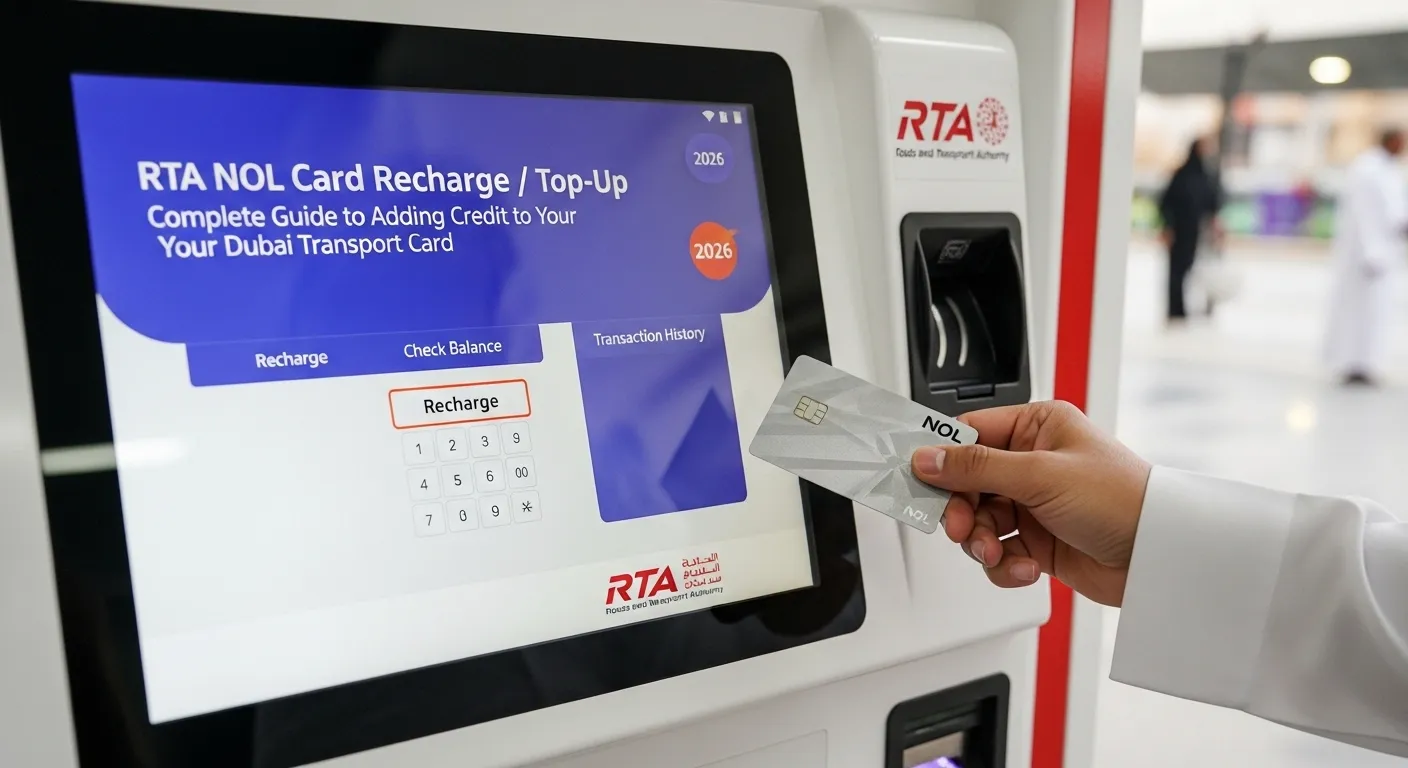
RTA NOL Card Recharge / Top-Up 2026: Complete Guide to Adding Credit to Your Dubai Transport Card
Your RTA NOL card is the key to seamless travel on Dubai’s public transport network – from the Metro and buses to trams, water buses, and even parking. But what happens when your balance runs low? You need to know how to perform an RTA NOL card recharge / top-up quickly and conveniently. Whether you prefer using your smartphone, visiting a machine, or paying online, there are multiple ways to add credit to your card.
In this comprehensive guide, we will explain every method for dubai rta card recharge, dubai rta nol card recharge, rta dubai nol card online recharge, dubai rta bus card recharge, and using dubai rta card top up machines. We will also cover fees, processing times, and tips to avoid common issues. By the end, you will never be caught with insufficient balance again.
For more helpful guides on RTA services and living in Dubai, visit our main website: https://www.khaleej2uae.com/. Now, let’s explore all the ways to recharge your RTA NOL card.
Why You Need to Know About RTA NOL Card Recharge
Your RTA NOL card is essential for using the Dubai Metro, public buses, trams, water buses, and even for paying parking fees. Without sufficient balance, you cannot enter the metro or board a bus. Regularly performing a RTA NOL card recharge / top-up ensures uninterrupted travel. With multiple methods available – from online apps to physical machines – you can choose the most convenient option for your lifestyle.
Method 1: RTA NOL Card Recharge via RTA Dubai App
The RTA Dubai app is the most popular way for dubai rta nol card recharge directly from your smartphone.
Steps:
Download the RTA Dubai app from the Apple App Store or Google Play Store.
Open the app and log in using your RTA account or UAE Pass.
Tap on “NOL Card” then “Top Up” or “Recharge”.
Enter your NOL card number (found on the back of the card).
Select the amount you wish to add (options typically range from AED 20 to AED 500).
Pay using your credit card, debit card, or Apple Pay.
The balance will be added instantly. For physical card readers, you may need to tap your card at a metro gate or TVM to update the balance (this takes a few seconds).
This method allows rta dubai nol card online recharge from anywhere, anytime.
Method 2: RTA NOL Card Recharge via Dubai Now App
The Dubai Now app (unified government services app) also supports dubai rta card recharge.
Steps:
Download Dubai Now from your app store.
Open the app and tap on “NOL” or “RTA Services”.
Select “Top Up NOL Card”.
Enter your NOL card number.
Choose the recharge amount.
Pay via credit/debit card.
The balance will be added after a short processing time (usually instant).
This is an excellent alternative for dubai rta nol card recharge if you already use Dubai Now for other government services.
Method 3: RTA Dubai NOL Card Online Recharge via RTA Website
For those who prefer using a computer, you can perform rta dubai nol card online recharge through the official RTA website.
Steps:
Visit www.rta.ae.
Navigate to “Public Transport” → “NOL Card” → “Top Up Your NOL Card”.
Enter your NOL card number.
Select the recharge amount (AED 20, 50, 100, 200, 500, etc.).
Choose your payment method (credit card, debit card).
Complete the payment.
The credit will be added to your card online. To update the balance on your physical card, tap it at a metro gate or TVM within 30 days.
This method is perfect for planning ahead from your home or office.
Method 4: Dubai RTA Card Top Up Machines (Ticket Vending Machines)
The most common physical method for dubai rta card top up machines is using Ticket Vending Machines (TVMs) located at every metro station and major bus station.
Steps:
Locate a Ticket Vending Machine (TVM) at any metro or bus station.
Tap your RTA NOL card on the card reader.
Select “Top Up” or “Recharge” on the screen.
Choose the amount you wish to add (options vary).
Insert cash (notes) or use a credit/debit card (depending on the machine).
Confirm the transaction. The balance will be added to your card immediately.
Take your receipt (optional).
These dubai rta card top up machines accept cash (AED 5, 10, 20, 50, 100, 200, 500 notes) and cards. They are available 24/7 at metro stations.
Method 5: RTA NOL Card Recharge at Authorized Sales Points
You can also perform a dubai rta bus card recharge at authorized sales points, including:
ENOC/EPCO petrol stations
Zoom stores
Select supermarkets and pharmacies
Steps:
Visit any authorized sales point displaying the RTA NOL logo.
Hand your RTA NOL card to the cashier.
Tell them the amount you want to add.
Pay in cash or by card.
The cashier will process the recharge, and the balance will be updated instantly.
This method is ideal for those who prefer face-to-face transactions or do not have access to digital payment methods.
Method 6: RTA NOL Card Recharge via Metro Station Customer Service Counters
Every Dubai Metro station has a Customer Service Counter (near the main entrance). You can request a dubai rta card recharge there.
Steps:
Go to the Customer Service Counter at any metro station.
Present your RTA NOL card.
Tell the staff the recharge amount.
Pay in cash or by card.
The staff will add the balance instantly.
This is a good option if you need assistance or have issues with machines.
Method 7: Auto Top-Up (Automatic Recharge)
To avoid manually performing RTA NOL card recharge / top-up every time, you can set up Auto Top-Up through the RTA Dubai app.
Steps:
Open the RTA Dubai app and log in.
Go to your registered NOL card.
Select “Auto Top-Up” or “Automatic Recharge”.
Set a threshold balance (e.g., AED 20) and a recharge amount (e.g., AED 50).
Save your payment method.
Whenever your balance falls below the threshold, the app will automatically recharge your card using your saved payment method.
This feature ensures you never run out of balance unexpectedly.
Comparison of Recharge Methods
| Method | Speed | Fees | Where | Best For |
|---|---|---|---|---|
| RTA Dubai App | Instant (tap required for physical card) | None | Anywhere online | Most users |
| Dubai Now App | Instant | None | Anywhere online | Quick top-ups |
| RTA Website | Instant | None | Computer | Online from home |
| TVM (Ticket Machines) | Instant | None | Metro/bus stations | Cash users |
| Authorized Sales Points | Instant | None | Petrol stations, Zoom | Face-to-face |
| Customer Service Counters | Instant | None | Metro stations | Assistance needed |
| Auto Top-Up | Automatic | None | App setting | Forgetful users |
Frequently Asked Questions (FAQs)
Q1: Is there any fee for RTA NOL card recharge?
No. Recharging your RTA NOL card is free of charge. You only pay the amount you add to the card.
Q2: How long does it take for an online recharge to reflect on my physical card?
Online recharges via the RTA app or website are instant in the system, but you must tap your card at a metro gate or TVM within 30 days to update the balance on the physical card. After tapping, the balance appears immediately.
Q3: Can I recharge my NOL card using cash?
Yes. You can use cash at Ticket Vending Machines (TVMs) , authorized sales points (Zoom, ENOC), and customer service counters.
Q4: What is the minimum recharge amount for RTA NOL card?
The minimum recharge amount is typically AED 20 at machines and online. Some sales points may allow AED 10.
Q5: Can I recharge someone else’s NOL card?
Yes. You need only their NOL card number (15 digits) to recharge online via the RTA app or website.
Q6: What should I do if my online recharge doesn’t show up after tapping?
Wait 5 minutes and tap again. If still not showing, check your bank statement to see if payment was deducted. Contact RTA customer service at 800 9090 with your transaction details.
Q7: Are there any discounts for bulk recharge?
No, but some promotions during public events may offer bonus credit. Check the RTA app for current offers.
Q8: Can I use a credit card at Dubai RTA card top up machines?
Yes, newer TVMs accept credit and debit cards (Visa/Mastercard). Some older machines accept only cash.
Q9: Is there a limit to how much balance I can have on my NOL card?
Yes. The maximum balance allowed on a RTA NOL card is AED 5,000 for Blue (personalized) cards and AED 1,000 for Silver/Gold cards.
Q10: Can I get a refund for unused balance?
Yes, for Blue (personalized) cards. For Silver/Gold cards, refunds are not available. Contact RTA customer service for Blue card balance refunds.
Final Thoughts
Knowing how to perform an RTA NOL card recharge / top-up is essential for every Dubai commuter. Whether you choose dubai rta card recharge via the RTA app, dubai rta nol card recharge through Dubai Now, rta dubai nol card online recharge from the website, dubai rta bus card recharge at petrol stations, or using dubai rta card top up machines at metro stations, you have many reliable options.
For the most convenience, set up Auto Top-Up in the RTA Dubai app. For cash users, Ticket Vending Machines and authorized sales points are readily available. Whichever method you choose, always keep your RTA NOL card topped up to enjoy smooth, uninterrupted travel across Dubai.
For more practical guides on RTA services, public transport, and living in Dubai, bookmark https://www.khaleej2uae.com/ and check back regularly.
Recharge your card. Travel without worry. Explore Dubai with ease.
Disclaimer: This article is for informational purposes only. Recharge amounts, fees, and procedures are subject to change by the RTA. Always refer to the official RTA website (www.rta.ae) or RTA Dubai app for the most current information.









