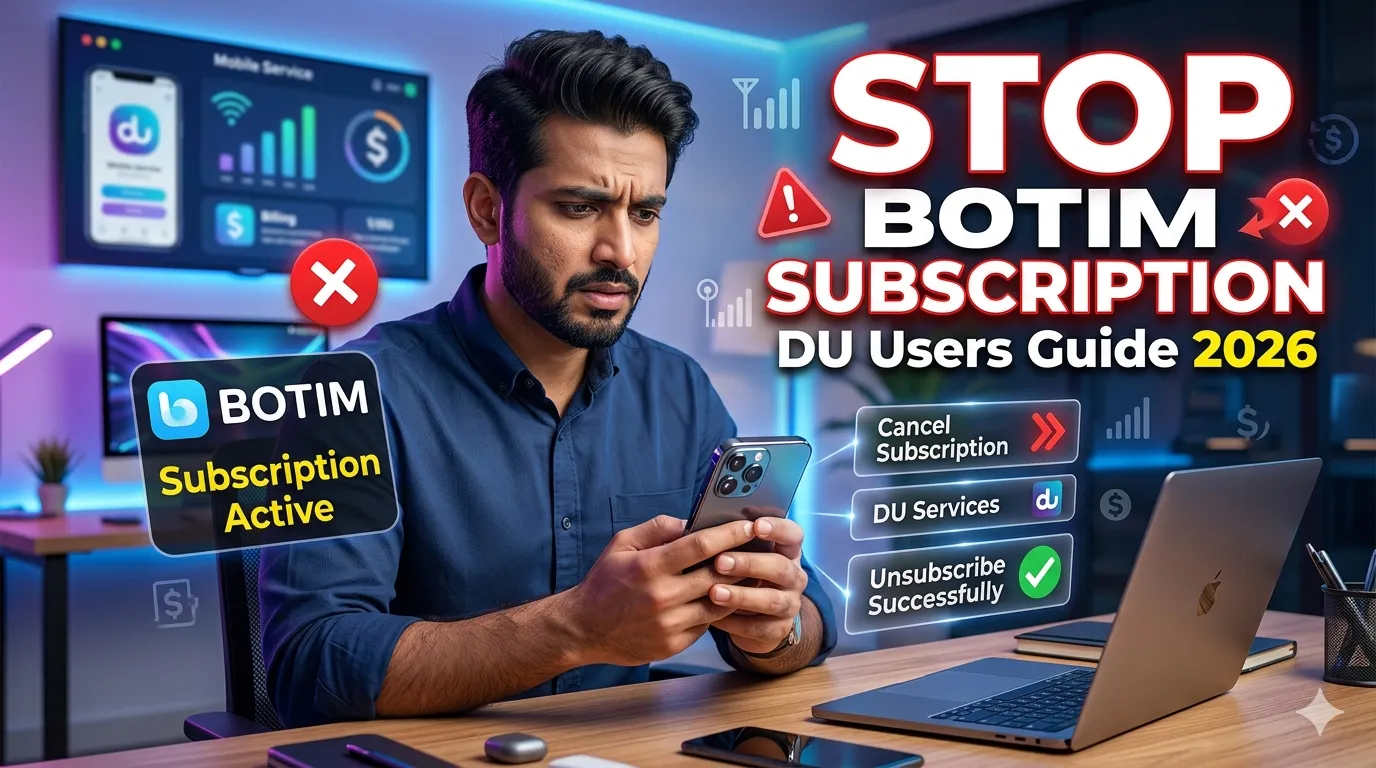
Cancel Botim Subscription in Du Instantly – Stop Now!
BOTIM is one of the most widely used calling and messaging applications in the UAE, especially for voice and video communication. Many users subscribe to BOTIM through du to access internet calling features.
However, there are times when users may want to cancel their BOTIM subscription due to billing concerns, unused services, or switching to another communication app.
This guide explains all official methods to cancel BOTIM subscription in Du instantly using SMS, the DU app, customer care, and USSD codes.
What Is BOTIM?
BOTIM is a communication application that offers:
- Voice calls
- Video calls
- Messaging services
- Group chats
- International communication
The app became especially popular in the UAE because it supports internet-based calling services.
What Is Du BOTIM Subscription?
du provides BOTIM calling packages that allow users to use internet calling features legally within the UAE.
These subscriptions are usually:
- Weekly
- Monthly
- Auto-renewable
Users are charged recurring fees until the service is canceled.
Informational Table: Methods to Cancel BOTIM Subscription in Du
| Method | Process | Time Required |
|---|---|---|
| SMS Cancellation | Send cancellation keyword to 1355 | Few minutes |
| DU App | Cancel through My Services section | Instant |
| Customer Care | Contact DU support | Depends on response |
| USSD Code | Dial special cancellation code | Instant |
Method 1: Cancel BOTIM Subscription via SMS
One of the fastest methods is using SMS services.
Steps to Cancel via SMS
Step 1: Open Messaging App
Use the SIM card linked to your BOTIM subscription.
Step 2: Type the Cancellation Command
Send:
CANCEL NETCALL
or
CEASE NETCALL
to:
1355
Step 3: Wait for Confirmation
You should receive a confirmation SMS from du stating that your BOTIM subscription has been canceled successfully.
Method 2: Cancel BOTIM Subscription Through DU App
The official DU mobile app also allows subscription management.
Step-by-Step Guide
Step 1: Download DU App
Install the official DU app from:
- Google Play Store
- Apple App Store
Step 2: Log Into Your Account
Use your:
- DU mobile number
- Password or OTP verification
Step 3: Open “My Services”
Navigate to:
- My Services
- Active subscriptions
- Add-on services
Step 4: Find BOTIM Subscription
Locate your active BOTIM package.
Step 5: Tap “Unsubscribe”
Select:
- Unsubscribe
- Deactivate
- Cancel service
Step 6: Confirm Cancellation
The app will usually display a successful cancellation message.
Method 3: Cancel BOTIM Subscription by Calling DU Customer Care
If app or SMS methods do not work, contact customer support directly.
DU Customer Care Number
971 4 301 0000
What Customer Support Can Help With
- Cancel active BOTIM subscriptions
- Verify billing issues
- Stop auto-renewal
- Resolve cancellation problems
Keep your:

- Mobile number
- Emirates ID
- Account details
ready for verification.
Method 4: Cancel BOTIM Subscription Using USSD Code
Some users can cancel services directly through DU short codes.
Steps
Step 1: Open Dial Pad
Dial:
13535#
Step 2: Follow On-Screen Instructions
The menu will guide you through available subscription management options.
Step 3: Confirm Cancellation
After completion, you should receive a confirmation SMS.
Informational Table: BOTIM Subscription Cancellation Commands
| Action | Command |
|---|---|
| Cancel BOTIM via SMS | CEASE NETCALL |
| SMS Number | 1355 |
| Customer Care | 97143010000 |
| USSD Code | 13535# |
Why Users Cancel BOTIM Subscription
There are several common reasons users stop BOTIM services.
Cost Concerns
Some users prefer to reduce monthly telecom expenses.
Unused Services
If internet calling is rarely used, subscriptions may become unnecessary.
Switching to Other Apps
Users sometimes move to alternative communication apps.
Auto-Renewal Charges
Many users cancel to prevent recurring billing.
Important Things to Check Before Canceling
Verify Active Subscription
Ensure the BOTIM package is currently active.
Check Billing Cycle
Cancel before the renewal date to avoid extra charges.
Save Confirmation Messages
Keep cancellation SMS or screenshots for future reference.
Monitor Next Bill
Check your next DU bill to ensure no further BOTIM charges appear.
Troubleshooting Common Problems
Subscription Still Active
If charges continue:
- Restart your device
- Check app subscriptions again
- Contact DU customer support
No Confirmation SMS Received
Wait a few minutes and retry the process if necessary.
Unable to Access DU App
Update the app or reset your login credentials.
Benefits of Canceling Unused Subscriptions
Canceling unused telecom services helps:
- Reduce monthly bills
- Improve account management
- Avoid recurring charges
- Control mobile expenses
Alternative Communication Apps
Before canceling BOTIM, users may explore other communication apps depending on their needs.
Popular alternatives include:
- Internet messaging apps
- Business communication platforms
- International calling services
Always ensure apps comply with UAE telecom regulations.
Tips for Managing Mobile Subscriptions in UAE
Review Monthly Bills
Check your telecom bill regularly for active subscriptions.
Disable Auto-Renewal
Turn off auto-renewal when possible.
Use Official Telecom Apps
Manage services only through official DU platforms.
Keep Account Information Updated
Updated contact information helps with notifications and billing alerts.
Frequently Asked Questions
Can I cancel BOTIM instantly in DU?
Yes, most methods process cancellation within minutes.
Is there a fee for canceling BOTIM subscription?
Usually no cancellation fee applies, but always check your package terms.
How do I know my BOTIM subscription is canceled?
You should receive a confirmation SMS from du.
Can I subscribe again later?
Yes, users can reactivate BOTIM packages anytime through DU services.
Final Words
Canceling your BOTIM subscription with du is simple when using the correct official methods. Whether through SMS, the DU app, customer support, or USSD codes, users can stop unwanted subscriptions quickly and avoid unnecessary recurring charges.
Always monitor your telecom account after cancellation to ensure the service has been fully deactivated.