
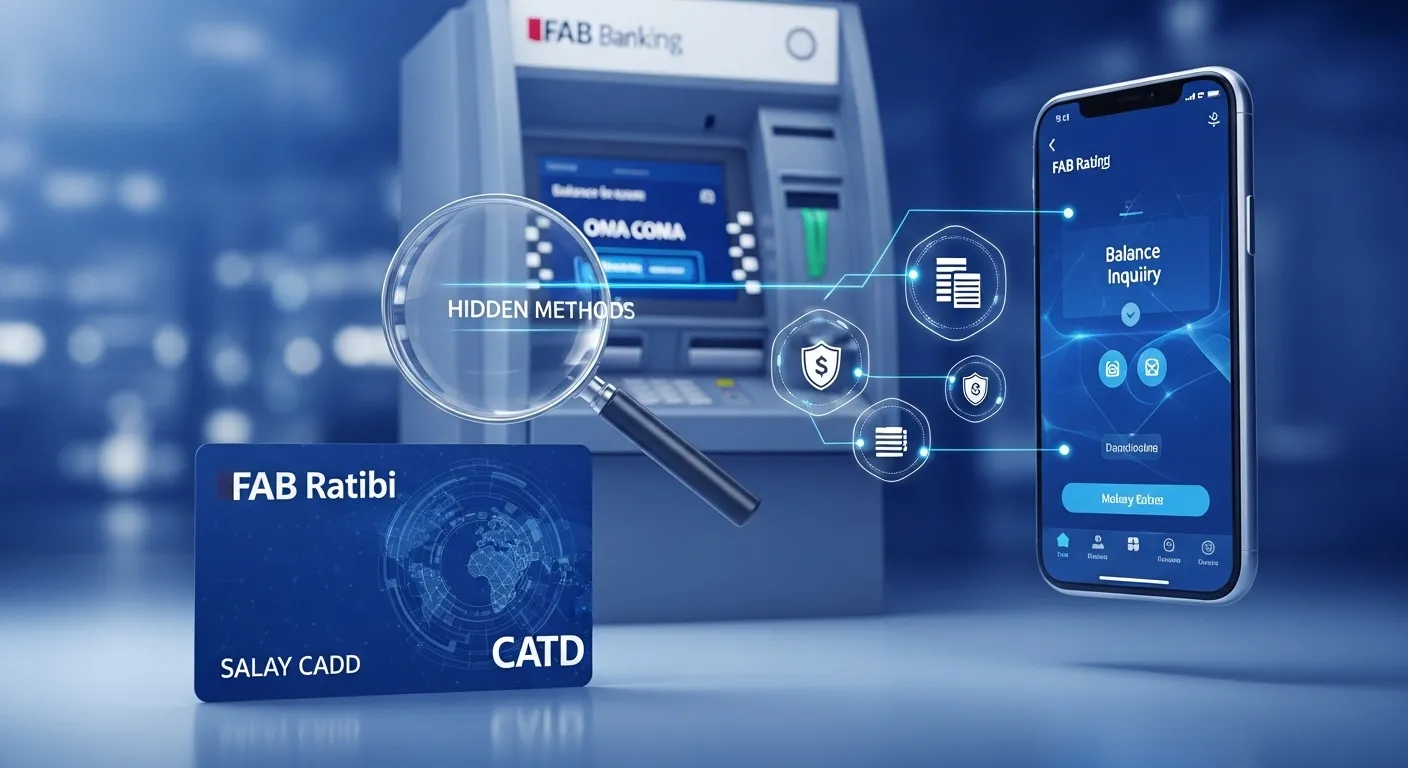
FAB Ratibi Card Balance: 3 Hidden Methods
Checking your FAB Ratibi card balance is an important step in managing your finances. Monitoring your fab balance allows you to avoid overdraft fees, control your spending, and have a clear picture of your available cash. A survey conducted recently showed that users who keep checking account balances decrease their chances of incurring fines and overdraft fees by 40%. This way, you remain on track with the money that you set for yourself and you are less worried all the time.
💳 FAB Ratibi Card Balance Check – Methods & Fees
| Method | How It Works | Requirements | Fee |
|---|---|---|---|
| 🟢 1. ATM Inquiry | Check balance at any UAE ATM | FAB Ratibi Card | Usually FREE (some non-FAB ATMs may charge 1–2 AED) |
| 🟢 2. SMS Service | Send SMS to FAB service number with card details | Registered mobile number | FREE (standard SMS charges may apply) |
| 🟢 3. Online Banking / App | Login to FAB mobile app or website | FAB account login | FREE |
| 🟢 4. Salary Info Slip (Hidden Method) | Check monthly payslip from employer | HR payroll access | FREE |
In this comprehensive guide, I will explain how to check your FAB Ratibi card balance in detail, ensuring you have all the information you need – including 3 hidden methods that many users overlook. For more UAE banking and financial guides, visit https://www.khaleej2uae.com/ .
Method 1: FAB Online Inquiry (Online Banking Portal)
The FAB online banking portal is a secure and accessible way to check your Ratibi card balance. Follow the steps below for a seamless experience. Remember that certain steps, such as logging in or finding specific options, might vary slightly depending on updates to the FAB platform or your device’s compatibility.
Step 1: Visit the Official FAB Website
Go to your web browser and search for the official website of the First Abu Dhabi Bank (abbreviated as FAB). Users are advised to visit the website through the official link: https://www.bankfab.com/en-ae/personal.
Step 2: Log In to Your Online Banking Account
On the homepage, click the green “Login” button. Fill in your registered username and password. If you have not registered yet, you can sign up by clicking the “Sign Up” button.
Step 3: Navigate to the “Accounts” or “Balances” Section
Once logged in, find the menu bar on the dashboard. Select either “Accounts” or “Balances” to view all accounts associated with your profile.
Step 4: Select Your Ratibi Card
Choose your Ratibi card from the list of accounts. You will see detailed information, including your current fab balance.
Step 5: View Your Balance
The current balance of your Ratibi card will be displayed. Make a note or take a screenshot for future reference.
By following these steps, you can quickly and securely check your Ratibi card balance from the comfort of your home or office.
Method 2: FAB Mobile Banking App
This is one of the most convenient instruments for staying aware of your account characteristics anytime. Here is how you can check your Ratibi card balance using the FAB Mobile Banking App:
Step 1: Download and Install the FAB Mobile Banking App
Go to the Google Play Store (Android) or Apple App Store (iOS). Search for “FAB Mobile Banking App” and download/install it.
Step 2: Log In to the App
Launch the app and use your registered username and password. If it’s your first time, you may need to register by following the on‑screen instructions.
Step 3: Locate the “Accounts” or “Balances” Section
After logging in, you will see the main dashboard. Look for a clearly labeled section such as “Accounts” or “Balances”.
Step 4: Select Your Ratibi Card
From the list of accounts, tap on your Ratibi card. The app will show detailed information, including your current balance and available credit limit.
Step 5: View Your Balance
The outstanding balance on your Ratibi card will be clearly shown. You can also request transaction history or statements if needed.
Using the FAB Mobile Banking App is an easy and convenient way to stay informed about your fab balance at any time.
Method 3: ATM Balance Check
For those who prefer a more traditional approach, you can check your Ratibi card balance at any FAB ATM. Follow these steps:
Step 1: Insert Your Ratibi Card
Locate the nearest FAB ATM. Insert your Ratibi card into the card slot.
Step 2: Enter Your PIN
Use the keypad to input your Personal Identification Number (PIN). Make sure nobody is watching you enter your PIN for security.
Step 3: Select the “Balance Inquiry” Option
On the ATM screen, choose “Balance Inquiry”. Confirm your selection if prompted.
Step 4: View Your Balance
The ATM will display your current Ratibi card balance. You can also opt to print a receipt for your records.
This method is straightforward and particularly useful when you need immediate access to your balance without internet access.
Why Monitoring Your FAB Ratibi Card Balance Matters
Keeping track of your fab balance helps you:
Avoid overdraft fees and unnecessary fines.
Control your spending and stick to your budget.
Detect unauthorized transactions early.
Plan for salary credits and bill payments.
Whether you use online banking, the mobile banking app, or an ATM, regular balance checks are a smart financial habit.
Additional Tips for FAB Ratibi Card Users
Enable SMS alerts: Receive real‑time updates on your fab balance after every transaction.
Use biometric login on the FAB Mobile Banking App for faster access.
Keep your PIN confidential and never share it with anyone.
Update contact details with First Abu Dhabi Bank to ensure you receive important notifications.
Conclusion
Knowing your FAB Ratibi card balance is essential for personal financial management. Whether you choose the FAB Online Inquiry method via online banking, the FAB Mobile Banking App, or a traditional ATM Balance Check, all three methods are secure, reliable, and designed to give you accurate, real‑time information about your fab balance.
By following each detailed guide in this article, you can easily stay in financial control. For more UAE banking tips and lifestyle guides, visit https://www.khaleej2uae.com/ .
Frequently Asked Questions (FAQs)
1. What is a FAB Ratibi card?
A FAB Ratibi card is a salary card issued by First Abu Dhabi Bank for employees in the UAE to receive their monthly wages and make withdrawals or purchases.
2. How can I check my FAB Ratibi card balance without internet?
You can use the ATM Balance Check method. Insert your Ratibi card at any FAB ATM, enter your PIN, and select “Balance Inquiry” to view your fab balance.
3. Is the FAB Mobile Banking App free to use?
Yes, the FAB Mobile Banking App is free to download and use. However, standard data charges from your mobile network may apply.
4. What should I do if I forget my online banking password?
On the FAB login page, click “Forgot Password” and follow the instructions to reset your password using your registered mobile number or email.
5. Can I check my Ratibi card balance at any ATM?
You can check your balance at any FAB ATM. Non‑FAB ATMs may charge a fee or may not support balance inquiry for Ratibi cards.
6. How often should I check my fab balance?
It is recommended to check your fab balance at least once a week, or more frequently if you make multiple transactions, to avoid overdraft fees and track spending.
7. What is the difference between “available balance” and “current balance” on my Ratibi card?
Your current balance includes all posted transactions, while your available balance reflects pending transactions and holds. Always check the available balance to know how much you can spend.
8. Can I check my FAB Ratibi card balance via SMS?
Yes, First Abu Dhabi Bank offers SMS banking services. Register your mobile number with the bank, then send an SMS command to their shortcode to receive your fab balance.
9. What should I do if my ATM eats my Ratibi card?
Immediately contact FAB customer service and block your card. Visit the nearest FAB branch with your Emirates ID to retrieve or replace the card.
10. Is online banking safe for checking my Ratibi card balance?
Yes, FAB online banking uses encryption and multi‑factor authentication. Always ensure you are on the official First Abu Dhabi Bank website and never share your password or PIN.
11. Can I view my transaction history along with my balance in the FAB Mobile Banking App?
Yes. After selecting your Ratibi card, the app shows your current balance and also allows you to view recent transactions and download statements.
12. What are the 3 hidden methods mentioned in the article?
The three methods are: FAB Online Inquiry (online banking portal), FAB Mobile Banking App, and ATM Balance Check – each offering a secure way to access your FAB Ratibi card balance.
Disclaimer
The information provided in this article (“FAB Ratibi Card Balance: 3 Hidden Methods”) is for general informational and educational purposes only. While we strive to keep the content accurate and up‑to‑date, we make no representations or warranties of any kind, express or implied, about the completeness, reliability, or suitability of the information for your specific financial situation.
All FAB products, online banking procedures, mobile banking app features, and ATM services mentioned are based on publicly available information from First Abu Dhabi Bank as of 2026 and are subject to change without prior notice. Balance inquiry steps may vary slightly depending on software updates, device compatibility, or ATM models.
This article does not constitute official banking or financial advice. For the most current information on checking your FAB Ratibi card balance, please contact First Abu Dhabi Bank directly or visit their official website. The link https://www.khaleej2uae.com/ is provided as a resource for regional guides; we are not responsible for the availability or content of external sites.
Always protect your PIN, password, and personal information. By using the suggestions in this article, you agree that the publisher and author are not liable for any loss, unauthorized transaction, or inconvenience arising from reliance on these details.









