
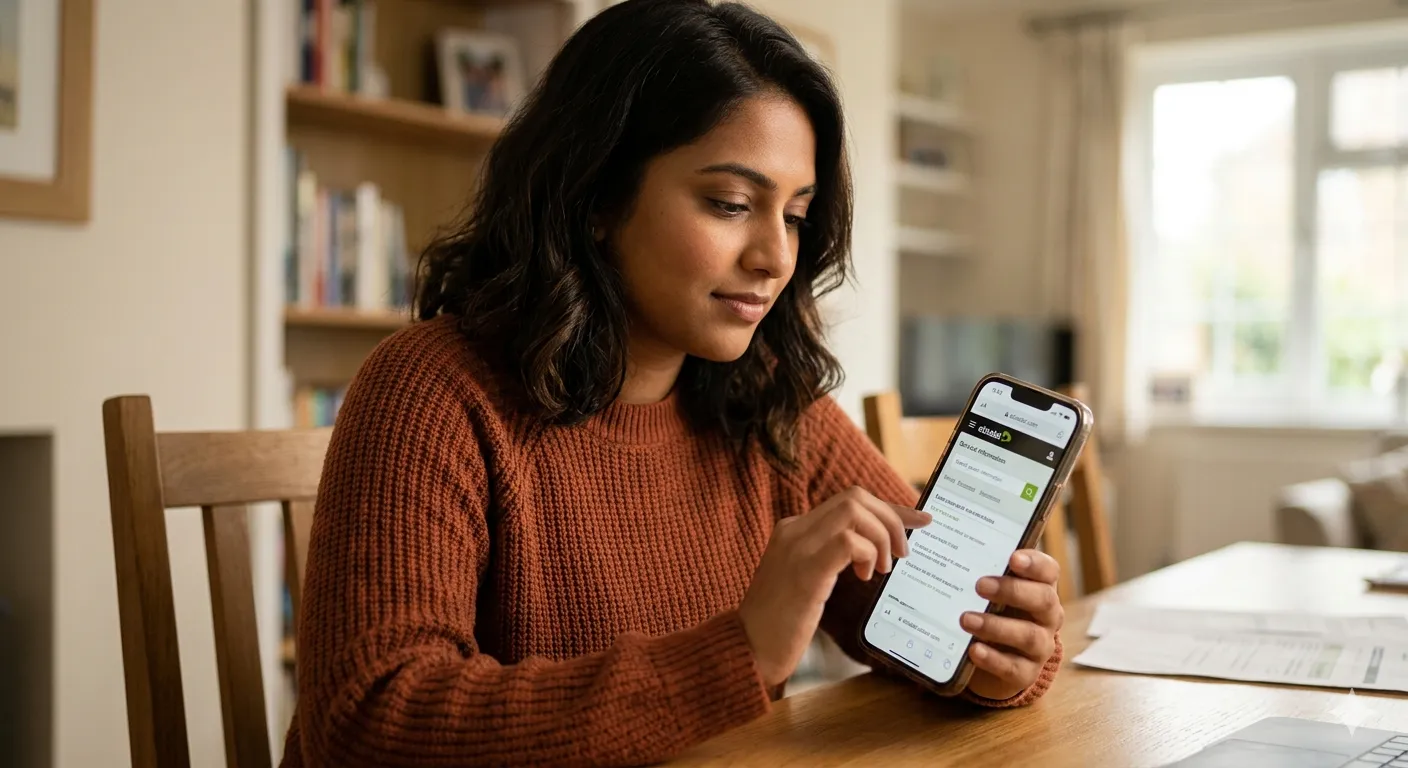
How to Check Etisalat Number Owner and Details 2026: Complete Guide to SIM Information & Balance
If you are using an Etisalat mobile number in the UAE, there may come a time when you need to know the owner information associated with that SIM. Whether you have forgotten whose name the SIM is registered under, or you simply want to verify your own Etisalat mobile number details, the process is straightforward. In this comprehensive guide, we will show you how to check Etisalat number owner and details 2026 using multiple official methods, including USSD codes, the My Etisalat app, and customer service calls. We will also cover Etisalat balance check code for prepaid and postpaid customers.
For more helpful guides on telecom, mobile services, and living in the UAE, visit our main website: https://www.khaleej2uae.com/. Now, let’s explore all the ways to check Etisalat number owner and details.
Why You Might Need to Check Etisalat Number Owner Details
There are several situations where you may need to check Etisalat number owner and details:
You bought a pre-owned SIM card and want to verify the registered owner.
You have forgotten which family member’s name is on a particular number.
You need the owner information for official documentation or to report a lost SIM.
You simply want to confirm your own Etisalat mobile number details (e.g., account type, registration date).
Etisalat provides secure methods to access this information, but you must be the legitimate user of the SIM card.
Etisalat Number Owner & SIM Details – Quick Information Table
| Category | Details |
|---|---|
| Topic | Check Etisalat Number Owner & Details 2026 |
| Network | Etisalat UAE |
| Country | United Arab Emirates |
| Methods Available | Call, App, USSD Codes |
| Requirement | Active SIM + Identity Verification |
| Cost | Free of charge |
| Supported Users | Prepaid & Postpaid customers |
Methods to Check Etisalat Number Owner
| Method | Code / Tool | Description |
|---|---|---|
| Customer Care Call | 100 | Talk to agent and verify owner details |
| Mobile App | My Etisalat UAE App | View profile & SIM owner info |
| IVR Service | 101 | Automated system for SIM details |
| USSD Code | *101# | Quick access to number & account info |
Step-by-Step USSD Code Guide
| Step | Action |
|---|---|
| Step 1 | Dial *101# |
| Step 2 | Select “Account Management” |
| Step 3 | Choose “Account Information” |
| Step 4 | Tap “Know My Number” |
| Step 5 | Your Etisalat number will display |
Etisalat Balance Check Codes Table
| Method | Code / Action | Result |
|---|---|---|
| USSD Code | *170# | Shows main balance |
| SMS Method | Send “DATA” to 1010 | Shows data usage |
| Mobile App | My Etisalat App | Full balance & usage details |
| USSD Menu | *101# | Account + balance info |
Information You Can Check
| Information Type | Availability |
|---|---|
| SIM Owner Name | Yes (after verification) |
| Mobile Number | Yes |
| Account Type (Prepaid/Postpaid) | Yes |
| Balance Details | Yes |
| Data Usage | Yes |
| SIM Registration Details | Yes |
Requirements for Owner Information
| Requirement | Details |
|---|---|
| Emirates ID | Mandatory for verification |
| SIM Access | Must be active & in your possession |
| OTP Access | Required for app login |
| Security Questions | Asked during customer support call |
Supported Emirates in UAE
| Emirate |
|---|
| Dubai |
| Abu Dhabi |
| Sharjah |
| Ajman |
| Fujairah |
| Ras Al Khaimah |
| Umm Al Quwain |
Important Rules & Restrictions
| Rule | Explanation |
|---|---|
| Privacy Protection | Owner details are confidential |
| SIM Ownership | Only accessible by SIM user |
| Inactive SIM | No details available |
| Third-Party Access | Not allowed without authorization |
| Code Changes | USSD codes may change anytime |
Best Method Comparison
| Method | Speed | Ease | Details Level |
|---|---|---|---|
| Call 100 | Medium | Easy | Full details |
| My Etisalat App | Fast | Very Easy | Complete details |
| *101# | Fast | Easy | Basic info |
| 101 IVR | Medium | Moderate | Limited details |
Quick Summary Table
| Task | Best Method |
|---|---|
| Check Owner Name | Call 100 or App |
| Find Your Number | *101# |
| Check Balance | *170# |
| Check Data Usage | SMS “DATA” to 1010 |
| Full Account Details | My Etisalat App |
Method 1: Dial 100 for Owner Information
The most direct way to check Etisalat number owner is by calling customer service.
Steps:
From your Etisalat SIM card, dial 100.
You will be connected to an Etisalat customer service representative.
The agent will ask you a few security questions to verify your identity. These may include:
Your Emirates ID number
The last recharge amount or date
The date of SIM activation
Recent call or data usage patterns
Once verified, the agent will tell you the registered owner information for that SIM card.
💡 Pro Tip: Have your Emirates ID ready before calling. This method works for both prepaid and postpaid lines.
Method 2: Get Your Information through My Etisalat UAE App
The My Etisalat UAE app is the most convenient self-service tool to access your Etisalat mobile number details and owner information.
Steps:
Download the My Etisalat UAE app from the Apple App Store, Google Play Store, or Huawei AppGallery.
Install and open the app.
Tap on “Login” or “Register”.
Enter your Etisalat mobile number.
You will receive a One-Time Password (OTP) via SMS. Enter the OTP to verify.
Once logged in, go to “My Account” or “Profile” section.
Your registered owner name, account type, and other Etisalat mobile number details will be displayed on the screen.
The app also allows you to view your balance, active subscriptions, and usage history.
Method 3: Dial 101 for Number Details (USSD Code)
Etisalat provides a simple USSD code to quickly check Etisalat number owner and other details.
Steps:
From your Etisalat SIM, dial 101.
Wait a few seconds. An interactive voice response (IVR) menu will appear.
Select your preferred language (press 1 for Arabic, 2 for English).
Follow the prompts. You may need to enter your Etisalat number or other verification details.
The system will announce or display your registered owner information and number details.
⚠️ Note: This method may not work for all SIM types. If you face issues, use Method 1 or Method 2.
Method 4: Dial *101# for Quick SIM Information
Another popular USSD code to check Etisalat number owner and your own mobile number is *101#.
Step-by-Step Instructions:
From your Etisalat SIM card, dial *101# and press Call.
A pop-up menu will appear on your screen with several options.
Select option 1 (for Account Management or similar).
Then select option 3 (for Account Information).
Then select option 3 again (for “Know my Number”).
Press Send.
Your Etisalat mobile number will appear on the screen. Write it down or take a screenshot.
This code also provides additional Etisalat mobile number details such as your balance and active packages. It works for both prepaid and postpaid connections.
Etisalat Balance Check Code for Prepaid and Postpaid Customers
In addition to owner information, you may need to check your balance. Here are the Etisalat balance check code options for 2026.
Using *170#
Dial *170# from your Etisalat SIM and press Call.
After a few seconds, a pop-up will display your prepaid balance or postpaid data balance.
This is the fastest way to check your remaining credit.
Sending DATA to 1010
Open your SMS app.
Type the word “DATA” (without quotes) and send it to 1010.
You will receive a detailed message about your data usage, remaining balance, and validity.
Using My Etisalat App
Open the My Etisalat UAE app.
Your remaining balance and data allowance are shown on the home screen.
Important Rules and Regulations
When you attempt to check Etisalat number owner and details, be aware of the following rules:
You can only check owner information for active SIM cards. Inactive or cancelled SIMs will not provide details.
Etisalat reserves the right to modify USSD codes at any time. If the codes mentioned above do not work, visit the official Etisalat website or call 101 for updated codes.
For security reasons, customer service agents will not disclose owner information to anyone who cannot verify ownership of the SIM.
If you are using a SIM registered under someone else’s name (e.g., a company-provided line), you may need the sponsor’s authorization to access full details.
Etisalat Services Across All Emirates
Etisalat operates across the United Arab Emirates, including:
Dubai
Abu Dhabi
Sharjah
Ras Al-Khaimah
Fujairah
Ajman
Umm al Quwain
The methods described above to check Etisalat number owner and details work in all seven emirates without any difference.
Frequently Asked Questions (FAQs)
Q1: Can I check Etisalat number owner using just the number without the SIM?
No. For security and privacy reasons, Etisalat does not allow anyone to look up owner information using only a mobile number. You must have physical access to the SIM card and be able to verify ownership.
Q2: What is the easiest way to check my own Etisalat mobile number?
Dial *101# and follow the prompts. Select Account Management → Account Information → Know my Number. Your number will appear on the screen.
Q3: Can I check the owner of an Etisalat SIM that is not mine?
Only law enforcement or authorized government entities can request owner information for a SIM that does not belong to them. As an individual, you cannot.
Q4: What should I do if the USSD codes are not working?
Etisalat occasionally updates its codes. Try calling 101 customer service or use the My Etisalat app. You can also check the official Etisalat website for updated codes.
Q5: How can I check my Etisalat prepaid balance?
Dial *170# or send “DATA” to 1010. You can also open the My Etisalat app.
Q6: Can I check my postpaid bill details using these methods?
Yes. In the My Etisalat app, go to “Billing” to view your postpaid bill summary. Dialing *101# also provides some postpaid information.
Q7: Is there a fee to check owner information or balance?
No. All USSD codes, the My Etisalat app, and calling 101/100 are free of charge.
Q8: What if I forgot my Etisalat number and cannot receive OTP?
If you cannot receive an OTP because you do not know your number, dial *101# as described above. Your number will appear on the screen without needing an OTP.
Final Thoughts
Whether you are wondering how to check Etisalat number owner and details 2026 or trying to find your Etisalat mobile number details, the process is simple. You have several reliable methods: call 100 for customer service, use the My Etisalat UAE app, dial 101 or *101# for USSD information, or check your balance with *170# and DATA to 1010.
Always remember that owner information is protected by Etisalat for privacy and security. You can only access details for SIM cards you legitimately own or have been authorized to use.
For more practical guides on telecom, mobile services, and daily life in the UAE, bookmark https://www.khaleej2uae.com/ and check back regularly.
Know your SIM. Check your details. Stay connected with Etisalat.
Disclaimer: This article is for informational purposes only. USSD codes, app features, and customer service numbers are subject to change by Etisalat. Always refer to the official Etisalat website (www.etisalat.ae) or call 101 for the most current information.









